Free jigsaw puzzles for adults, with no ads
"For adults" mostly means two things: puzzles big and hard enough to be a real project, and a site that does not treat you as a product. Pieceware does both. Puzzles go up to 1500 pieces, pieces can start rotated, there are two harder piece shapes, and the pictures include famous paintings. There are no adverts, no cookies, no account and nothing to download. You can play alone or send the link to someone and solve it together.
No ads, no download, full screen
- No ads, anywhere. No banner between puzzles, no video to sit through before the next one, no advert waiting when you finish. There is no ad code on the site at all, so there is nothing to block.
- Nothing to download. It runs in the browser you already have, on a computer, tablet or phone. No app, no plug-in, no installer.
- The whole screen for the puzzle. Once you start, the board fills the browser window. Press F11 (Ctrl + Cmd + F on a Mac) and the browser goes full screen too, so nothing but the puzzle is left; press it again to get back.
Making it properly hard
- Up to 1500 pieces. 500 is an evening, 1000 is a weekend, 1500 is a standing project. The size guide has time estimates for each size.
- Rotation. Tick "pieces can be rotated" and pieces start turned at random. You turn a piece with R, a right click while dragging, a double click or the toolbar buttons, and it only snaps once it is the right way up. Adds roughly half again to the time.
- Twisted pieces (hard): Wobbly, uneven cuts and knobs of random size. Pieces look alike and edges do not line up neatly.
- Square pieces (brutal): Straight cuts, no knobs at all. Only the picture tells you where a piece goes.
- No hint unless you ask. The finished picture is hidden while you play; the eye button (or G) shows it faintly on the board when you want a nudge.
Relaxing jigsaws
If you want the opposite of a challenge, pick a busy, cheerful picture at 100 to 300 pieces, classic shape, rotation off. There is no time limit in a lobby you make yourself; the clock in the status bar only tells you how long you have been at it. The sounds (the original Windows XP ones, for a snap and a finish) can be turned off with the speaker button. Close the tab whenever you like: the puzzle waits for you.
Famous paintings
The famous paintings in the catalog are public-domain masterpieces, and brushwork makes excellent jigsaw material: every piece has texture, so even the sky in a Van Gogh is solvable. A 500 piece Bruegel is a very pleasant afternoon.
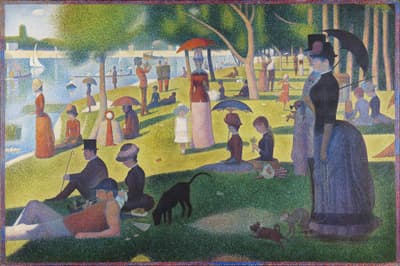 A Sunday Afternoon on the Island of La Grande Jatte
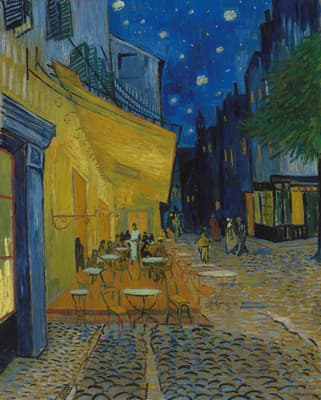 Café Terrace at Night
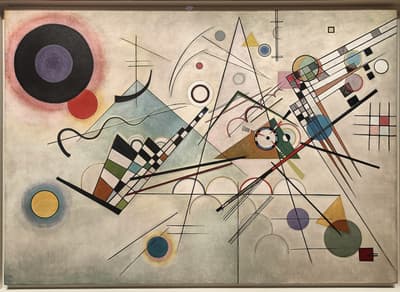 Composition VIII
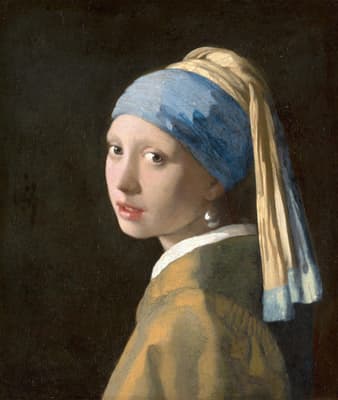 Girl with a Pearl Earring
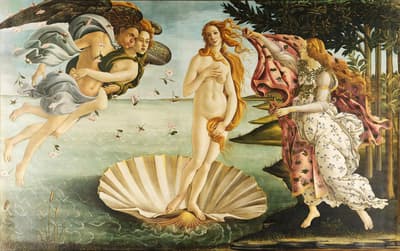 The Birth of Venus
 The Great Wave off Kanagawa
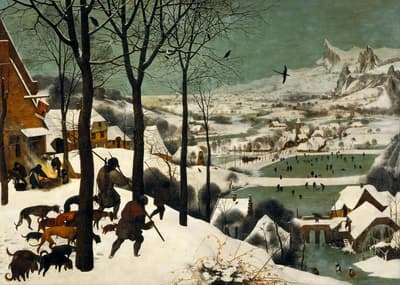 The Hunters in the Snow
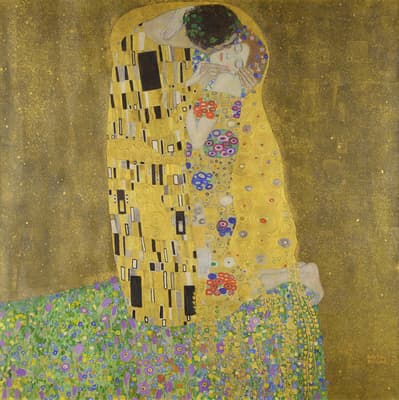 The Kiss
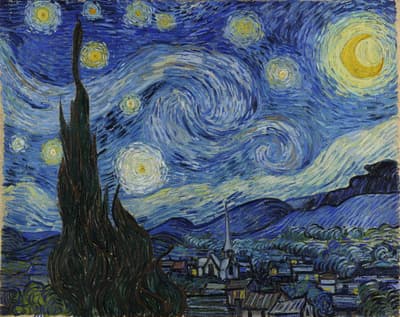 The Starry Night
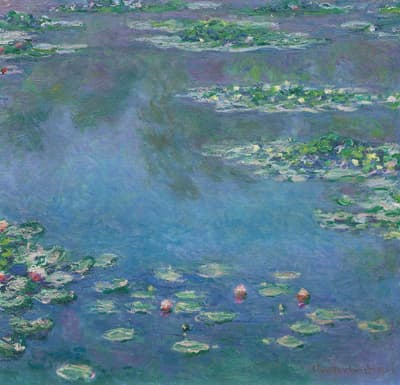 Water Lilies
Prefer your own picture? Upload a photo: a holiday snap or a family photo works well.
On a phone or tablet
It is the same site in the mobile browser, nothing to install from an app store. Drag a piece with one finger, drag the empty background to move around, pinch with two fingers to zoom. A double tap picks a piece up and turns it when rotation is on. Pieces get small on a phone above about 300 pieces; a tablet is comfortable up to 500, and larger sizes are best on a computer with a mouse.
For seniors
Plenty of the people who enjoy jigsaws most are the ones least interested in creating yet another account. Here is what is honestly good, and what is less so:
- Big pieces when you want them. Choose 24, 48 or 100 pieces and each piece is large on screen. The zoom buttons (magnifying glasses in the toolbar), the mouse wheel or pinching make them bigger still.
- Nothing to sign up for. No e-mail address, no password to remember, nothing to install. You type a name to show the other players, and that is all.
- Play with the grandchildren from a distance. Make a puzzle, press the share button, and send the link by e-mail or WhatsApp. When they open it, you are both on the same board and can see each other's pointers. A family photo makes a good first one.
- What is less easy: the look is modelled on Windows XP, so the toolbar and menu text is small. Pressing Ctrl and + (or pinching on a tablet) enlarges the page. Dragging with a mouse is needed; there is no click-to-place mode.
Why bother with jigsaws at all? No miracle claims here, just the ordinary reasons people give: a puzzle holds your attention for a while without asking anything of you, it is a gentle bit of looking and sorting, and finishing one is satisfying. Done together over a link, it is also an easy way to spend an hour with family who live far away, without anyone having to think of things to say.
Questions
Is it really free, with no ads?
Yes. There are no adverts, no ad networks, no cookies, no premium tier and no "unlock more pieces". Every size and every option is available to everyone. The privacy page covers what is stored.
What is the hardest puzzle I can make?
1500 pieces, square shape (no knobs), rotation on, with a picture that has a lot of sky or water. That is well beyond most people's patience; 1500 classic with rotation is already a week of evenings.
Is it suitable for seniors?
Yes, with a small puzzle to start: 48 or 100 pieces gives large pieces that are easy to see and pick up, and you can zoom in further. No sign-up, no password, nothing to install. The toolbar text is small, so enlarge the page with Ctrl and + if needed.
Can I stop and come back later?
Yes. Keep the link (bookmark the page). The puzzle stays as you left it for 12 hours after the last player leaves, so come back within 12 hours and it keeps going.
Does it work on an iPad or a phone?
Yes, in the browser. Drag pieces with one finger, pinch to zoom, drag the background to move around. Tablets are comfortable up to about 500 pieces; on a phone, 100 to 300 is more pleasant.


